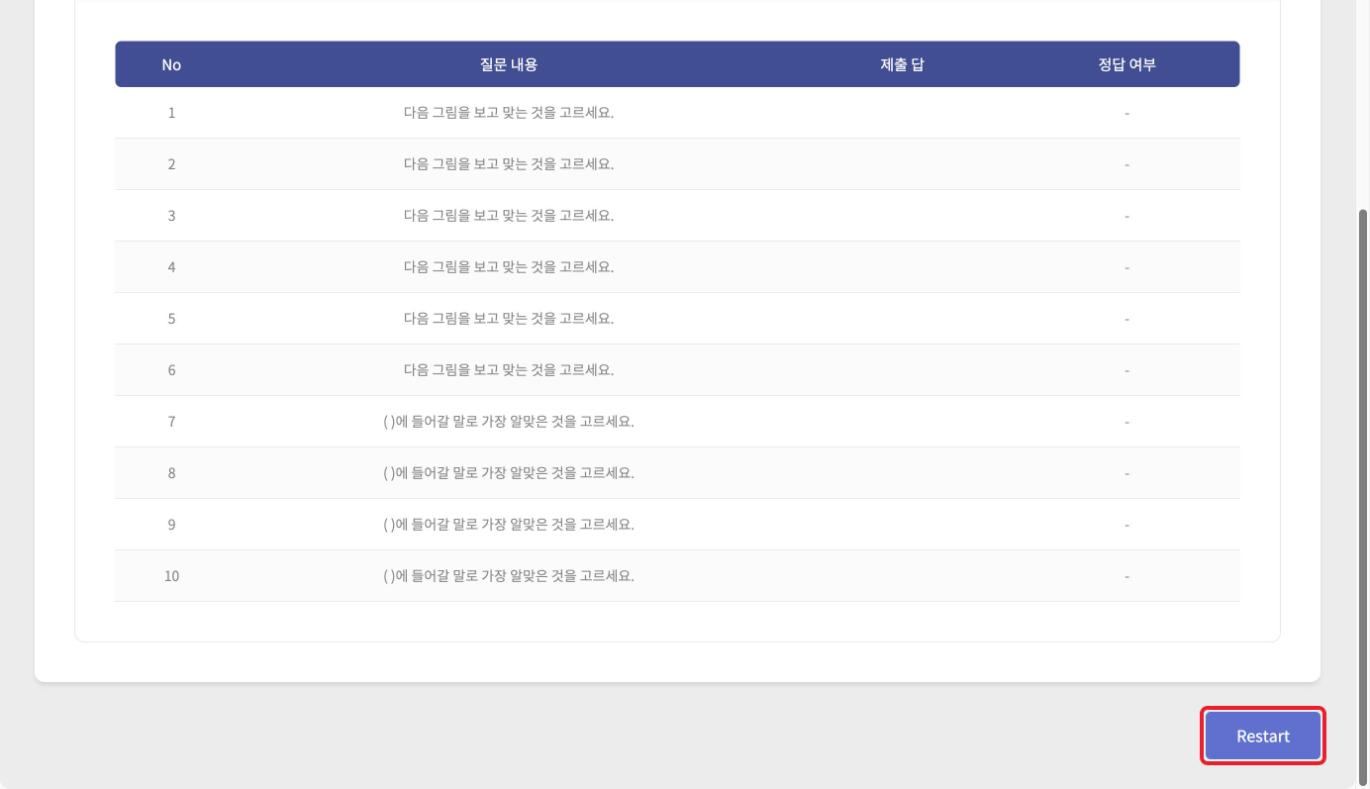
Quiz
Press [My Page] > [Lesson materials].
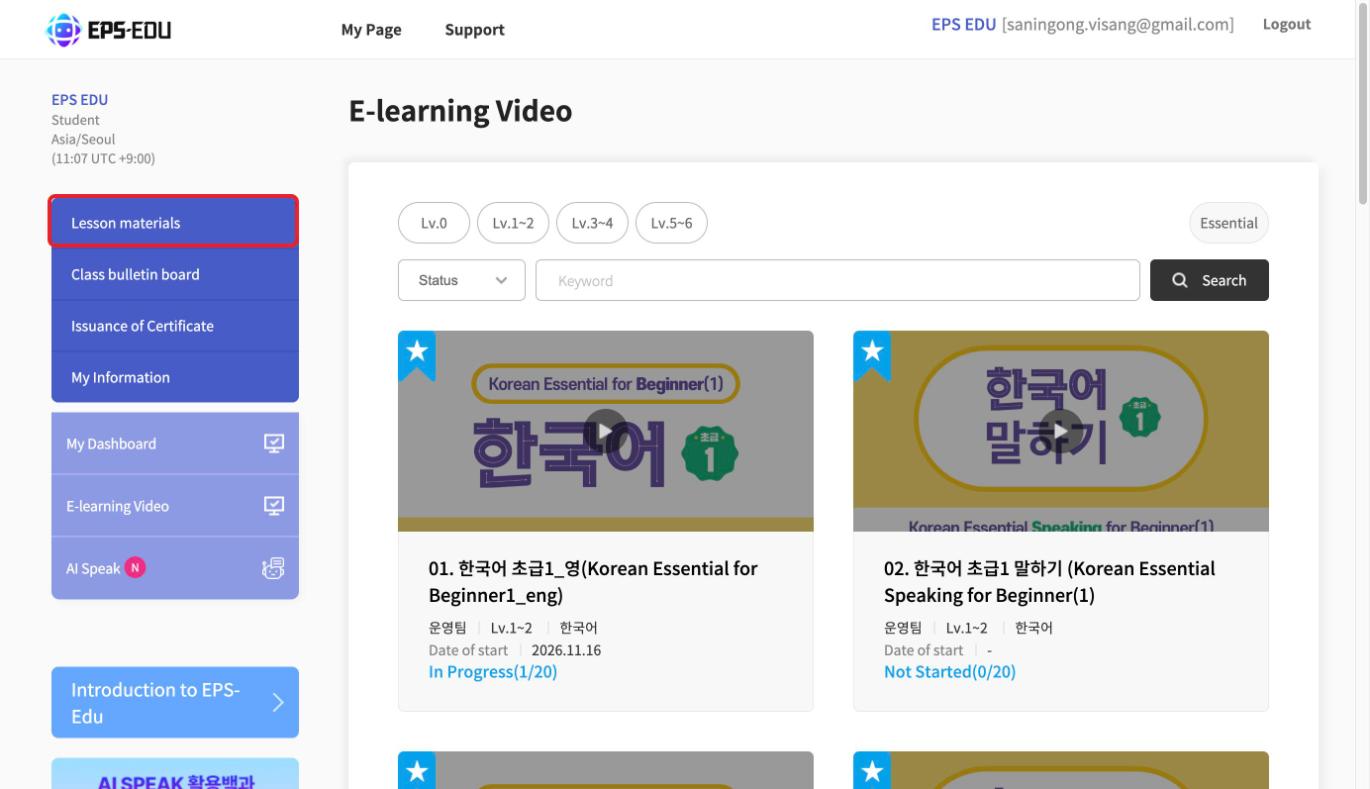
QUIZ has 10 questions for each e-learning lesson.
It is not a required completion criterion, so you can freely review after taking the e-learning.
You can solve the same questions many times.
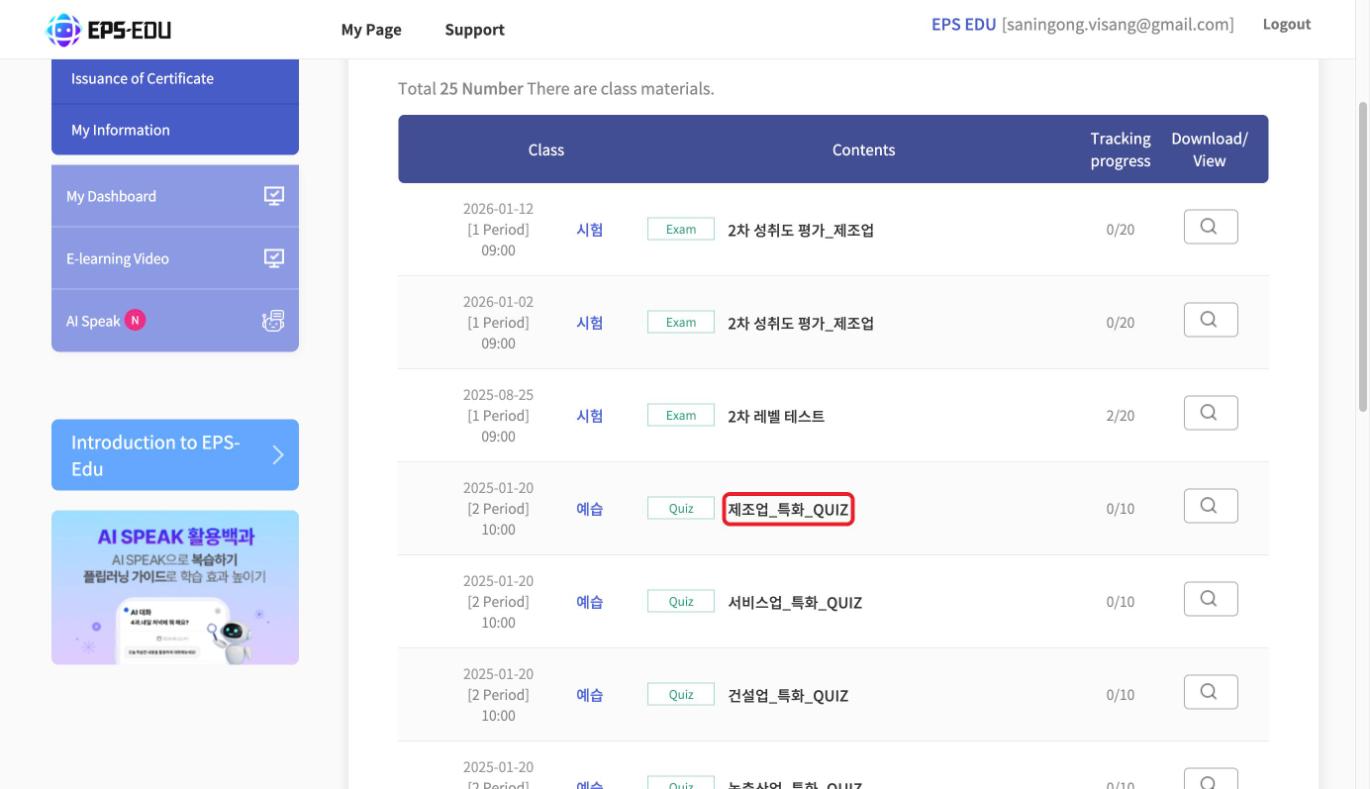
Press [Title of the quiz you want to take].
Solve the questions and press [Check Answers] to see the correct answers.
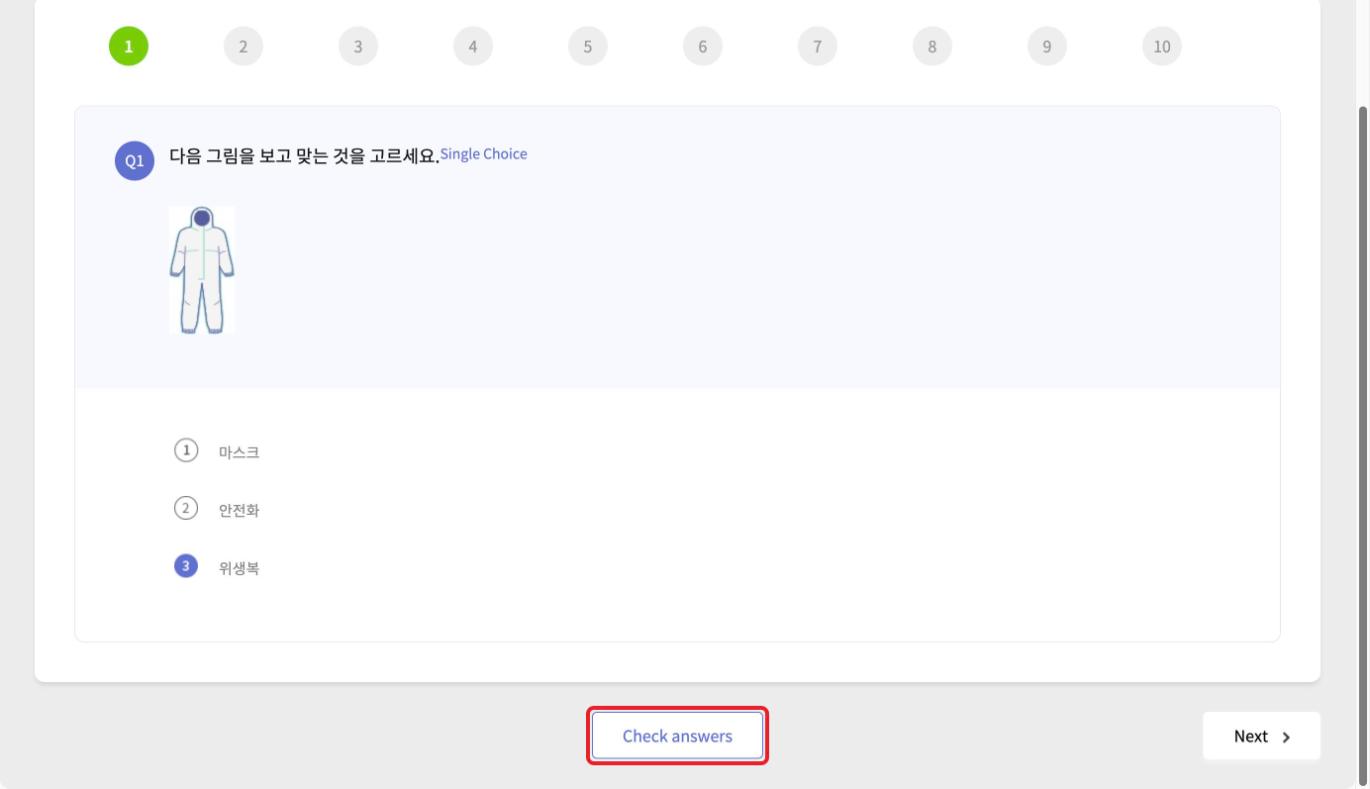
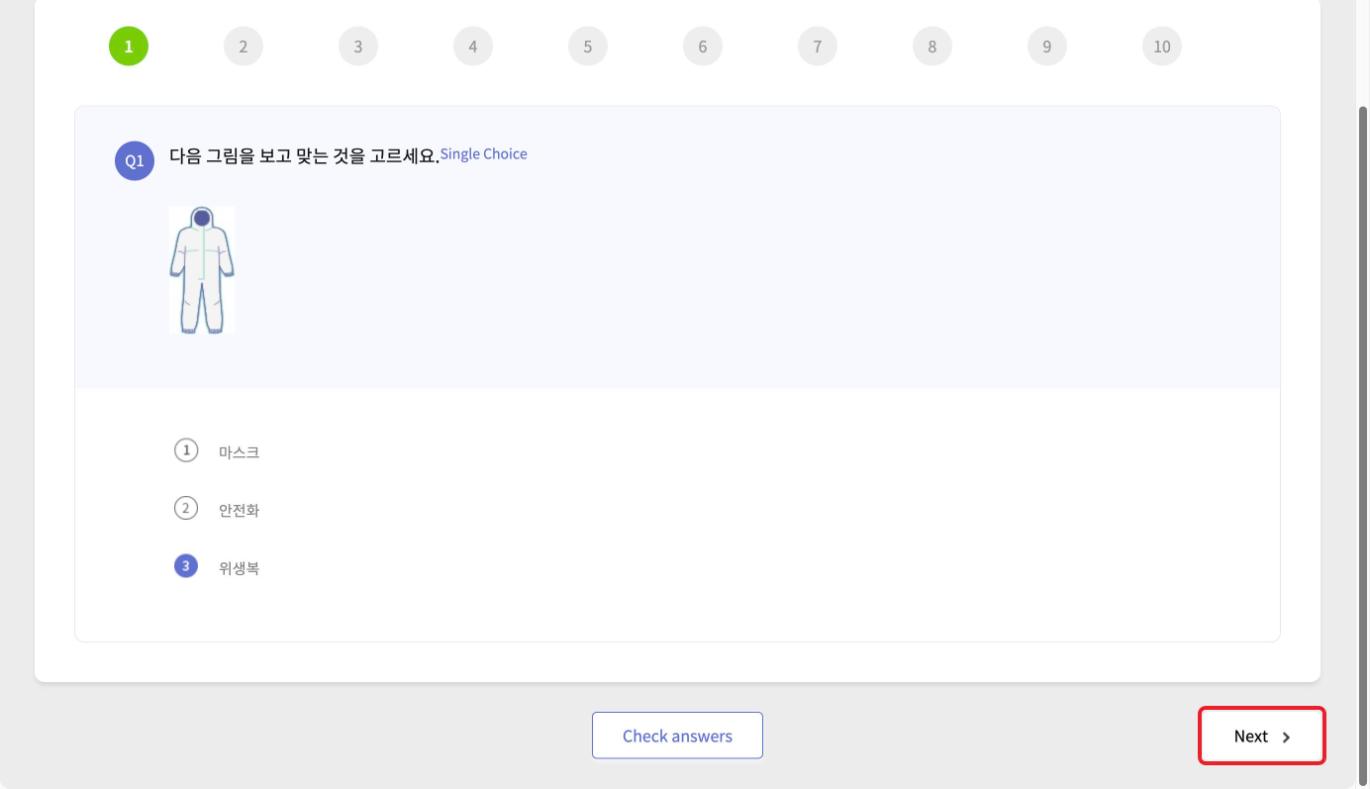
Press [Next] to go to the next question, and press [Prev] to go to the previous question.
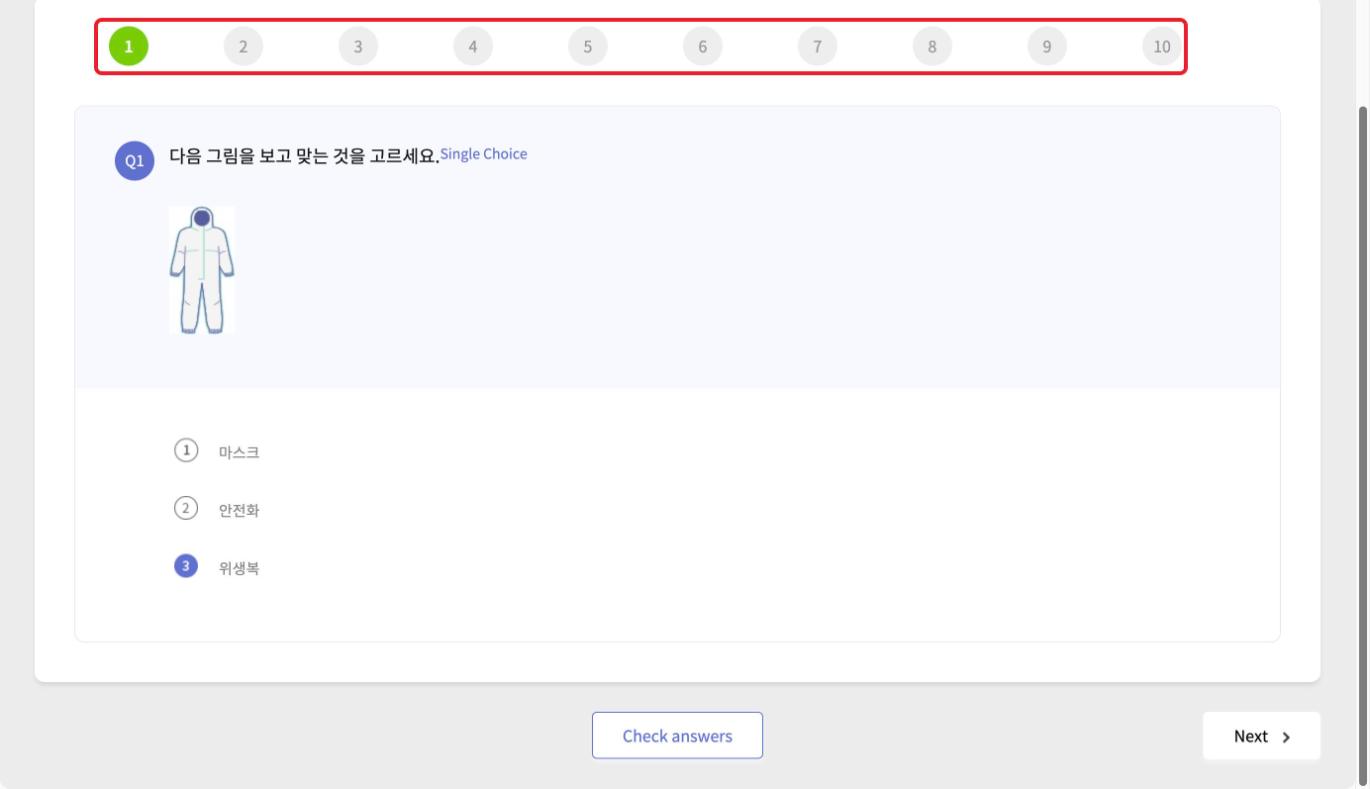
Click a question number at the top to go directly to that number.
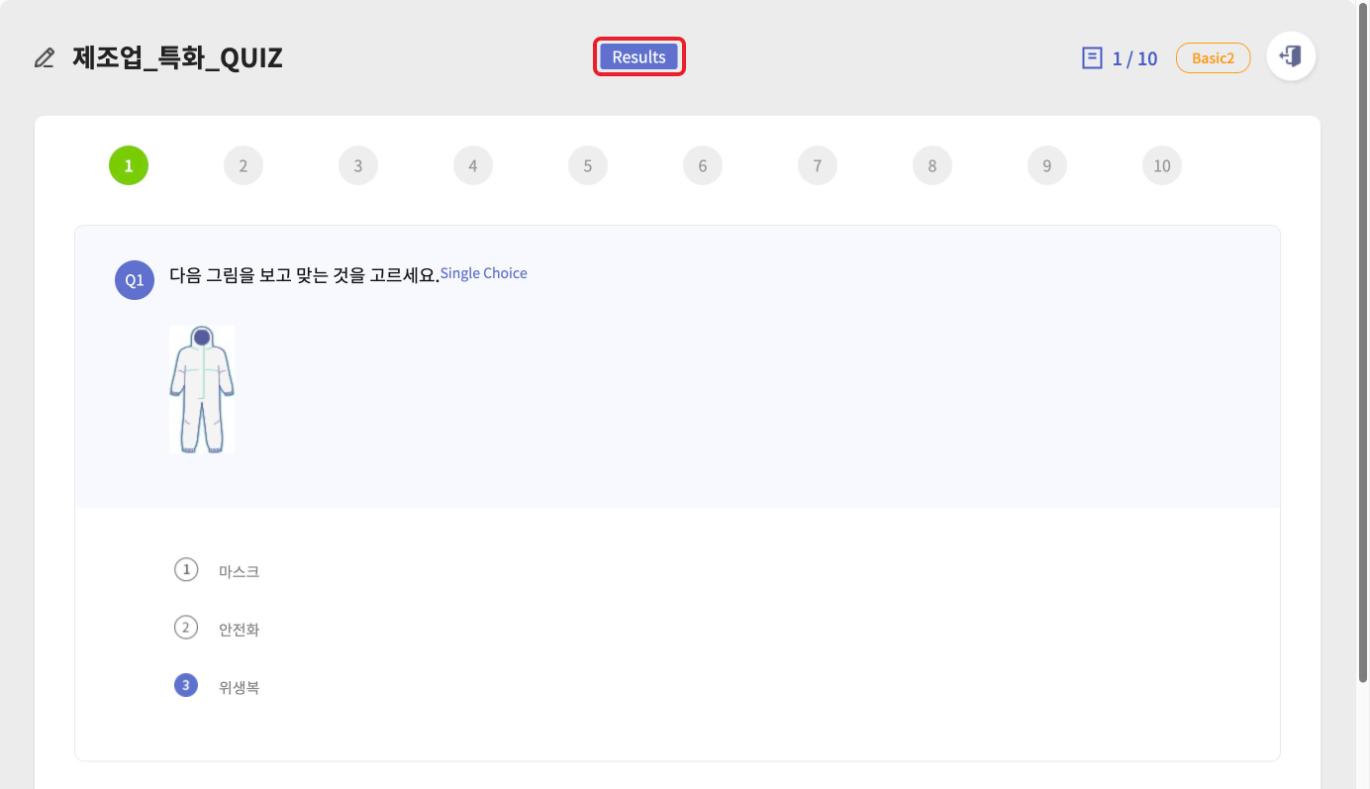
Press [Results] to see the answers you chose and whether they were correct.
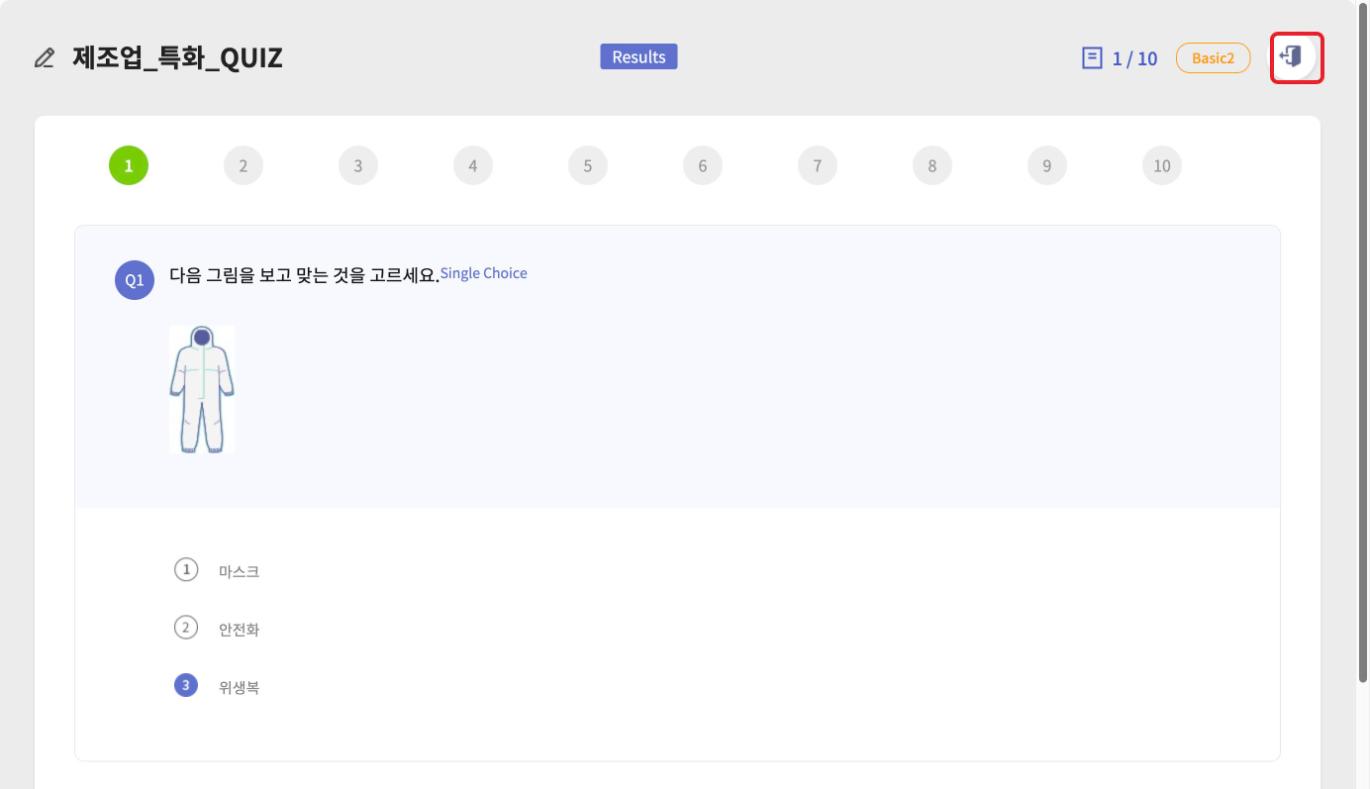
Press the exit icon (door shape) at the top right to end the quiz.
Press [Restart] to solve the questions again.